6 min read
How to Open Markdown Files Online Without Downloading Software
A practical guide for anyone who wants to open .md files instantly in the browser, avoid software installs, and keep documents private.
Stop wrestling with Markdown formatting. Our free online editor shows your changes instantly, with beautiful syntax highlighting and complete privacy.
Forever Free
Files Stay Private
Instant Preview

Powered by
Advanced Parser
Upload your .md file or start typing below. Experience instant rendering with our powerful MD File Viewer.
This is your free online Markdown Live Preview editor. Start typing or upload a .md file to see instant rendering!
function greet(name) {
  return Hello, ${name}!;
}
console.log(greet('World'));
Tip: Use keyboard shortcuts for faster editing!
Start editing to see the magic happen...
Drag and drop a .md file anywhere on the editor to upload
The most powerful free online Markdown Live Preview editor with professional-grade features for developers, writers, and content creators.
Watch your Markdown transform into beautifully formatted content as you type. Our Markdown Live Preview Online Editor provides instant visual feedback.
Experience zero-lag editing with our optimized rendering engine. Process large .md files instantly with our free online MD File Viewer.
Your files never leave your browser. All processing happens client-side, ensuring your sensitive documents remain completely private.
Beautiful code block rendering with support for multiple programming languages. Perfect for technical documentation and README files.
Support for GitHub Flavored Markdown (GFM), tables, task lists, footnotes, and more. Compatible with all standard .md files.
Download your edited Markdown files instantly. Copy to clipboard or export as .md file with a single click.
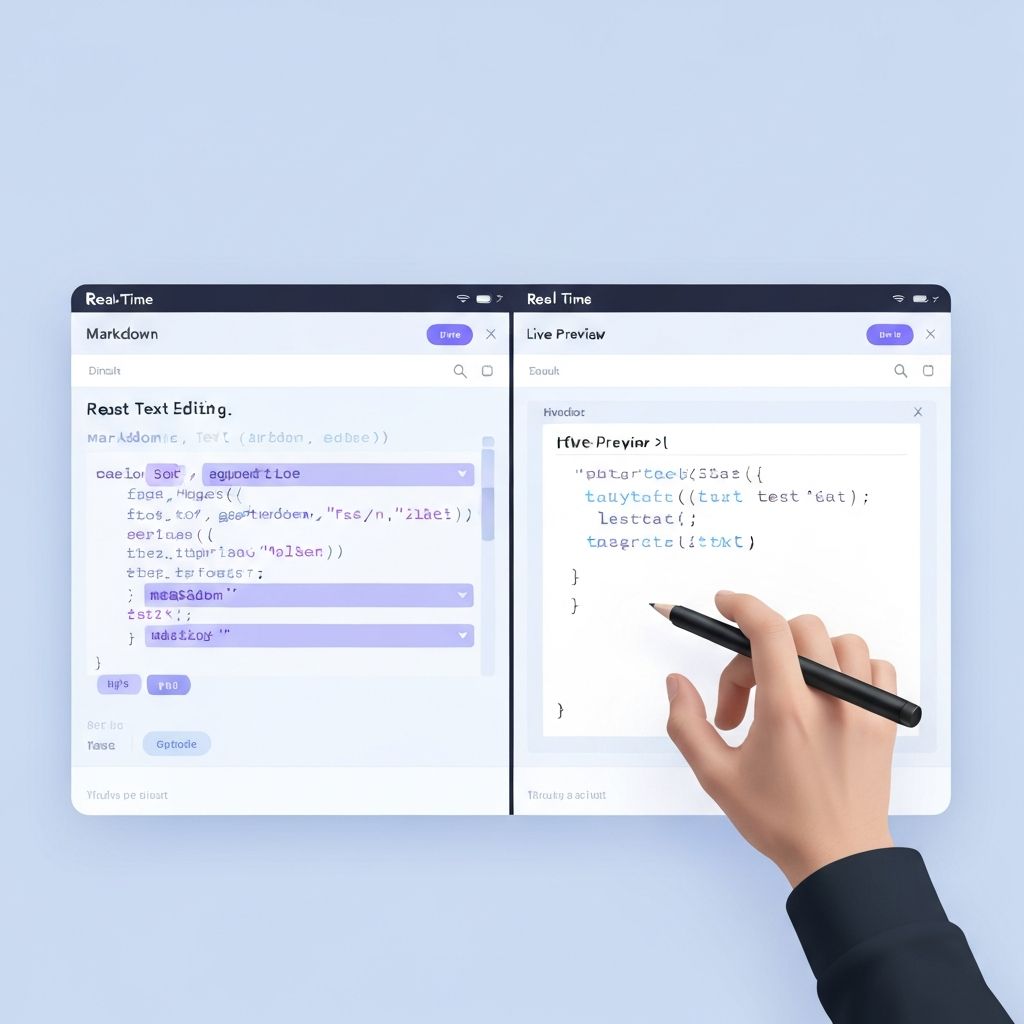
See your Markdown rendered in real-time as you type

Drag and drop or click to upload your .md files instantly
Beautiful code highlighting for multiple languages
See why developers, writers, and students choose our free online MD File Viewer for their Markdown editing needs.
“This MD File Viewer is exactly what I needed. The live preview is incredibly fast, and I love that my files stay completely private. It's now my go-to tool for editing README files.”
Alex T.
Senior Developer
“I've tried many Markdown editors, but this free online tool stands out. The syntax highlighting is beautiful, and the split view makes editing documentation a breeze.”
Maria G.
Technical Writer
“As someone who writes a lot of Markdown for GitHub projects, this Markdown Live Preview editor saves me so much time. No setup, no sign-up - just works perfectly.”
James C.
Open Source Maintainer
Trusted by professionals in
Welcome to the most comprehensive free online MD File Viewer available today. Whether you're a developer documenting your code, a writer drafting your next article, or a student organizing your notes, our Markdown Live Preview Online Editor provides everything you need to work with .md files efficiently.
Markdown has become the universal language for documentation, README files, blog posts, and technical writing. Our tool transforms the complex process of viewing and editing Markdown into a seamless experience. With real-time preview, drag-and-drop file upload, and comprehensive syntax support, you can focus on your content while we handle the rendering.
Unlike other tools that require software installation or account creation, our free online solution works directly in your browser. There's no setup, no downloads, and no registration needed. Simply visit our site and start editing immediately.
Markdown is a lightweight markup language created by John Gruber in 2004. It uses simple, intuitive syntax to format plain text, which can then be converted to HTML or other formats. The beauty of Markdown lies in its simplicity: you can write formatted documents using only a text editor, without needing complex word processing software.
An MD File Viewer serves as the bridge between raw Markdown syntax and beautifully rendered content. While Markdown is easy to read in its raw form, a dedicated viewer transforms your text into properly formatted output with styled headers, code blocks, tables, and more.
Getting started with our free online Markdown editor is incredibly simple. Follow these steps to begin viewing and editing your .md files instantly:
Navigate to our MD File Viewer editor section. No sign-up or download required - the editor loads instantly in your browser.
Either drag and drop an existing .md file onto the editor, click the upload button to select a file, or simply start typing your Markdown content in the left panel.
As you type or make changes, the right panel instantly updates to show how your Markdown will appear when rendered. This Markdown Live Preview feature helps you catch formatting issues in real-time.
When you're satisfied with your content, use the download button to save your .md file, or copy the content to your clipboard for use in other applications.
Whether you're new to Markdown or need a quick refresher, here's a guide to the most commonly used syntax. Our MD File Viewer supports all standard Markdown syntax plus GitHub Flavored Markdown extensions.
# H1 Heading
## H2 Heading
### H3 Heading
#### H4 Heading
**Bold Text**
*Italic Text*
~~Strikethrough~~
`Inline Code`
- Unordered item
- Another item

1. Ordered item
2. Second item
[Link Text](https://url.com)  > Blockquote
In today's fast-paced digital environment, having access to a reliable, free online tool for Markdown editing is invaluable. Here's why thousands of users choose our MD File Viewer for their Markdown needs:
No software to download or install. Our browser-based editor works on any device with an internet connection, giving you instant access to powerful Markdown editing tools.
Whether you're on Windows, Mac, Linux, iOS, or Android, our MD File Viewer works seamlessly across all platforms. Your Markdown experience remains consistent everywhere.
We continuously improve our Markdown Live Preview Online Editor with new features and optimizations. You always get the latest version without any manual updates.
Join thousands of developers, writers, and content creators who trust our free online Markdown Live Preview editor for their daily workflow. Start editing now - no sign-up required!
Start Editing FreeThese long-tail guides target search intent around opening Markdown files online, previewing GitHub README content, and using a live preview editor. Each guide helps users discover the main MD File Viewer homepage and core tool workflow.
6 min read
A practical guide for anyone who wants to open .md files instantly in the browser, avoid software installs, and keep documents private.
7 min read
A focused guide for developers who want a free Markdown viewer that renders README files cleanly and points them straight to a live online editor.
8 min read
Built for teams and writers who need a Markdown live preview editor for documentation, SOPs, release notes, and product knowledge bases.
The `/guides` hub collects all English-only SEO articles in one place and makes it easier for crawlers and users to move between informational pages and the homepage tool.
Everything you need to know about our free online MD File Viewer and Markdown Live Preview editor. Can't find what you're looking for? We're here to help!